 Max Pacheco
Dexterous Manipulation of a 3-fingered 9 DOF Hand
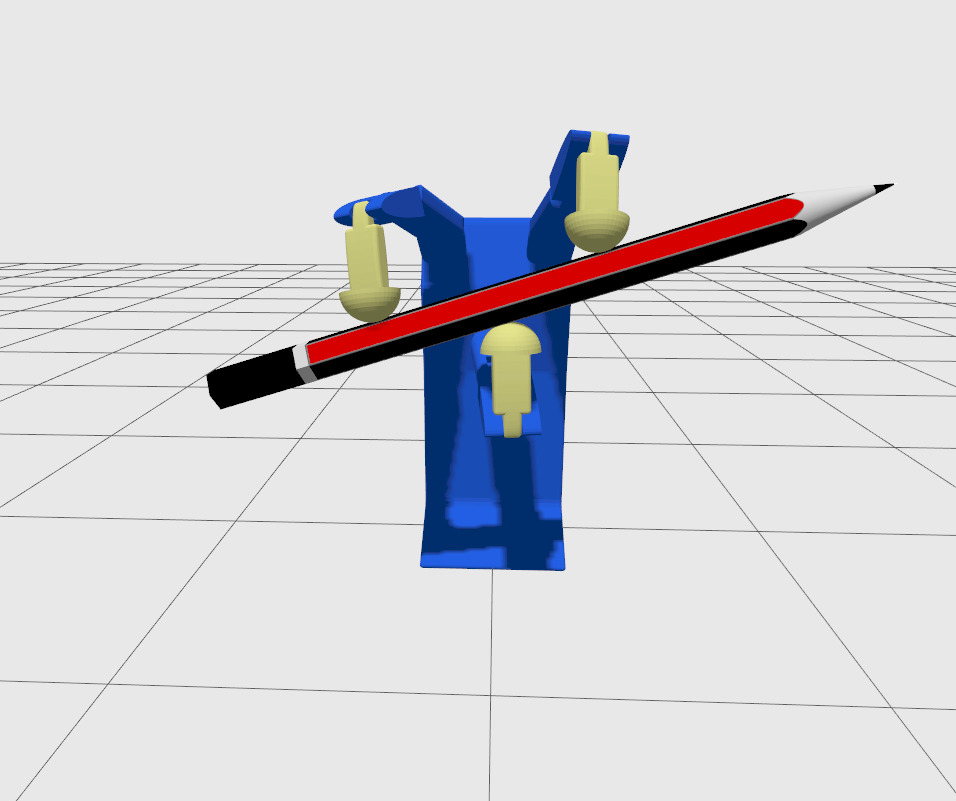
For this group class project, we were assigned to design and program a dexterous manipulation hand with 3 fingers consisting of 3 joints each.
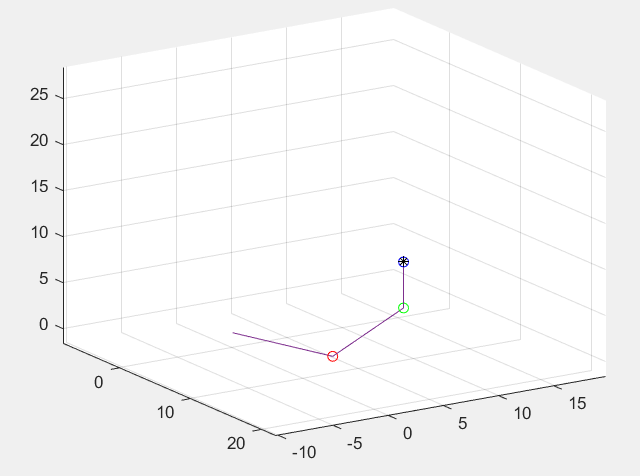
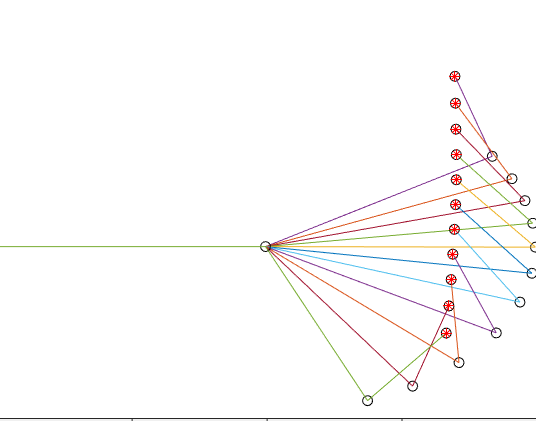
In order to understand the kinematics involved with manipulating a dexterous hand, we first had to learn how each finger works. So first, I programmed in MATLAB the forward kinematics for one finger consisting of 2 joints and graphed its representation in 3D, and then with 3 joints. After that, I started writing the Inverse Kinematic equations, like the definition of the Jacobian Matrix, and the 3D representation of the projection of each joint all the way to the end effector frame’s position. Due to the relation of the end effector’s pose to the joints’ dynamics, I set for a limited period of time a constant 3D velocity, and after playing around with the values, and axes of the velocity vector, I got to see the progress of the finger’s shape from its initial state to the tracing of the specified dynamics.
Now that I understood how a 3-DOF finger’s IK worked, I knew I could implement a controller to make the finger follow a velocity reference to reach a certain position, and where I could make one finger, I could make three. Given my history with ROS, and that everybody in class was also learning ROS, I decided to go ahead and design in SolidWorks a prototype for my Dexterous hand, and export the model as an URDF using the SW2URDF tool.
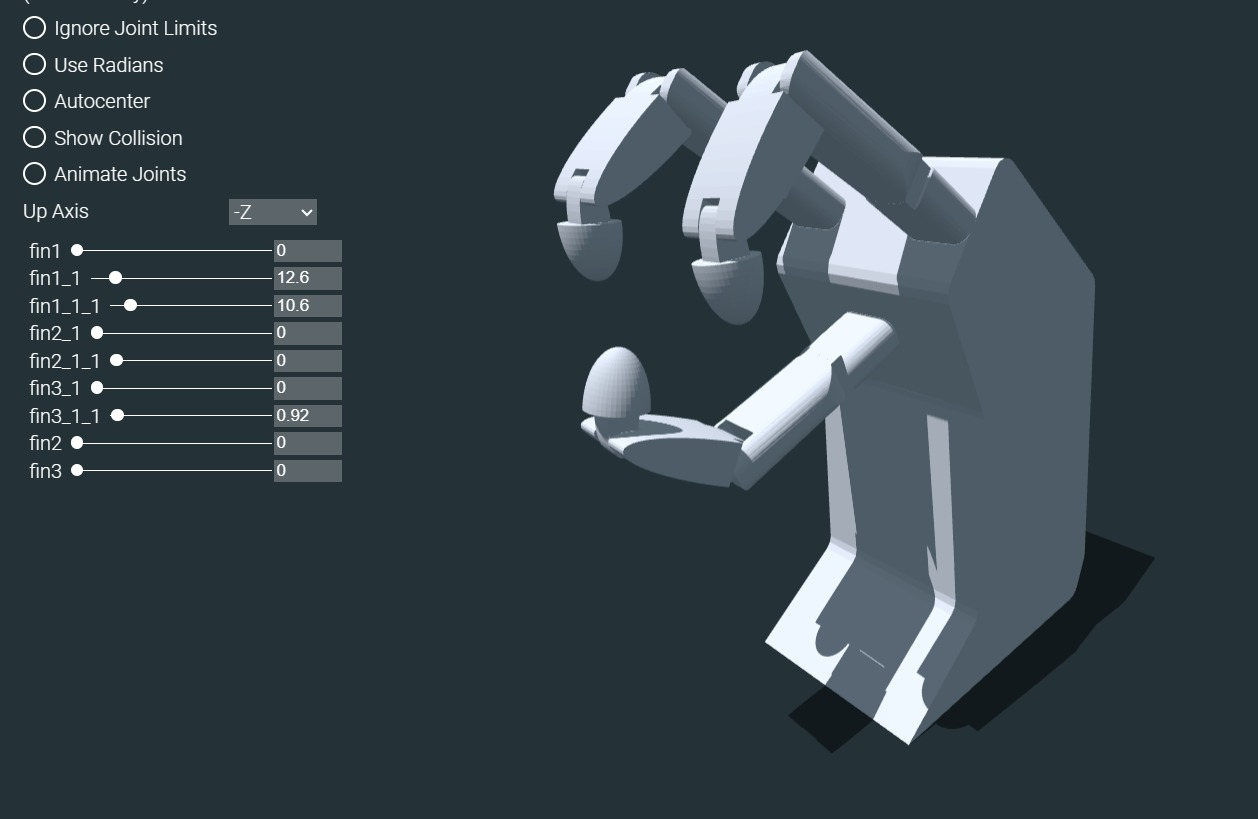
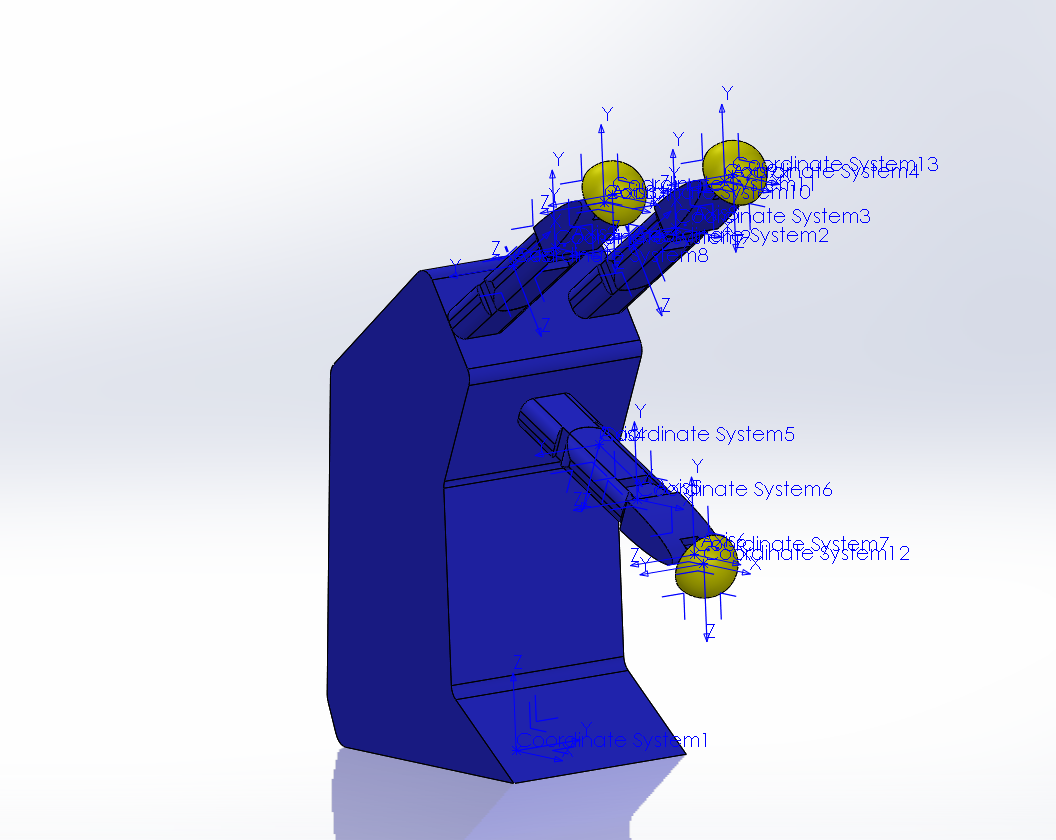
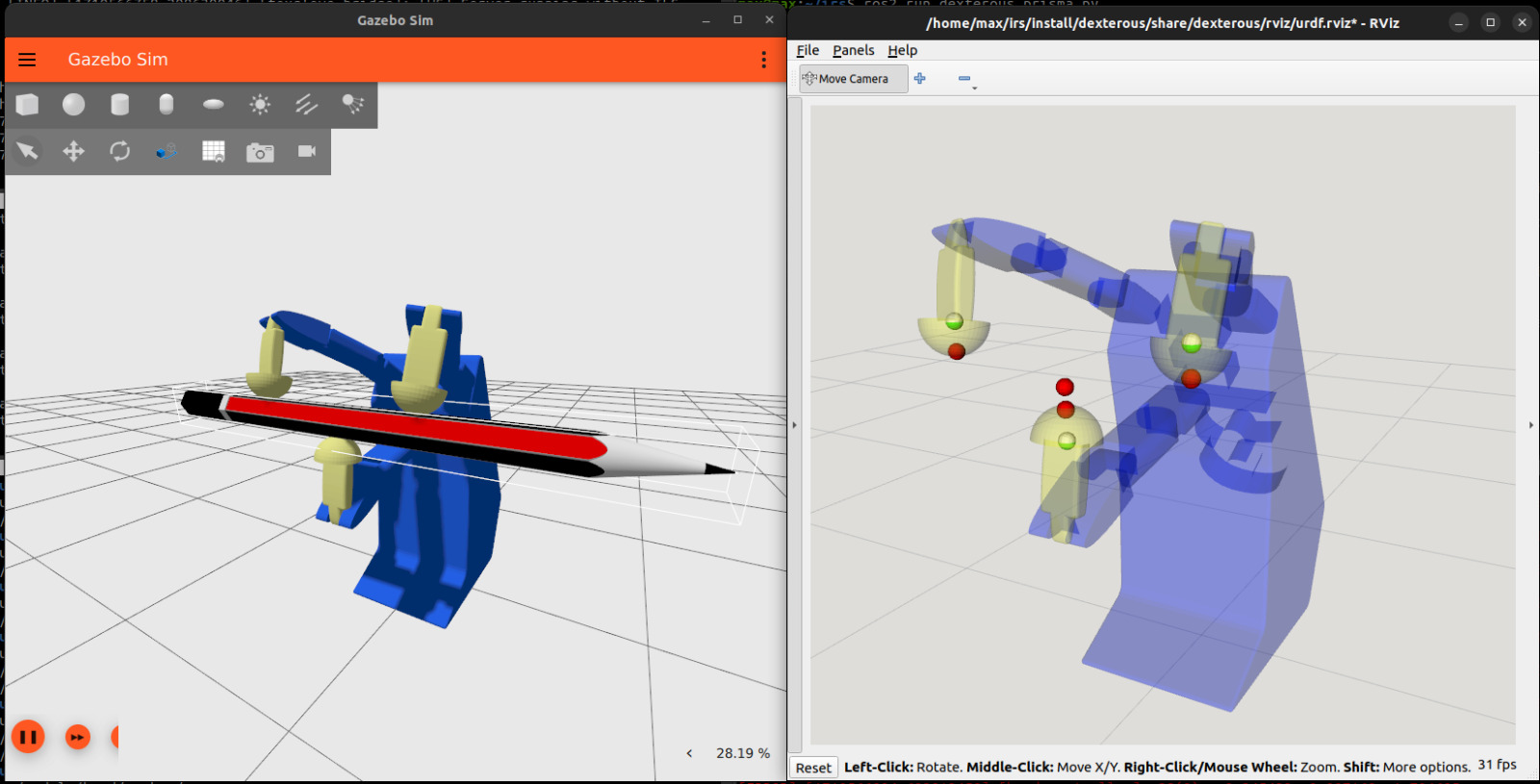
After some coding, I was able to visualize and correctly control the position of all 3 fingers simultaneously.
Now, one last task remained: the manipulation itself. To solve this, I designed the tip of the fingers as semispheres and located the end effector of each finger at the center of that sphere. What I earned with this, was that the three fingers would be able to contact with an object in several different points of the surface of the tips, and their distance would be the same, so the controller for each tip would only need to take into consideration the formation of the initial grabbing of the hand, and its translation plus its rotation, but the relative distance between the three fingers would be the same.
Finally, I tested this in Gazebo Sim, and one additional modification I did in order to correctly grab the objects was that I specified the finger formation references as points inside the object to grab, in order for the controller to tell the fingers to go deeper into the object and simulate a force being applied from the hand to the object, like in real life.
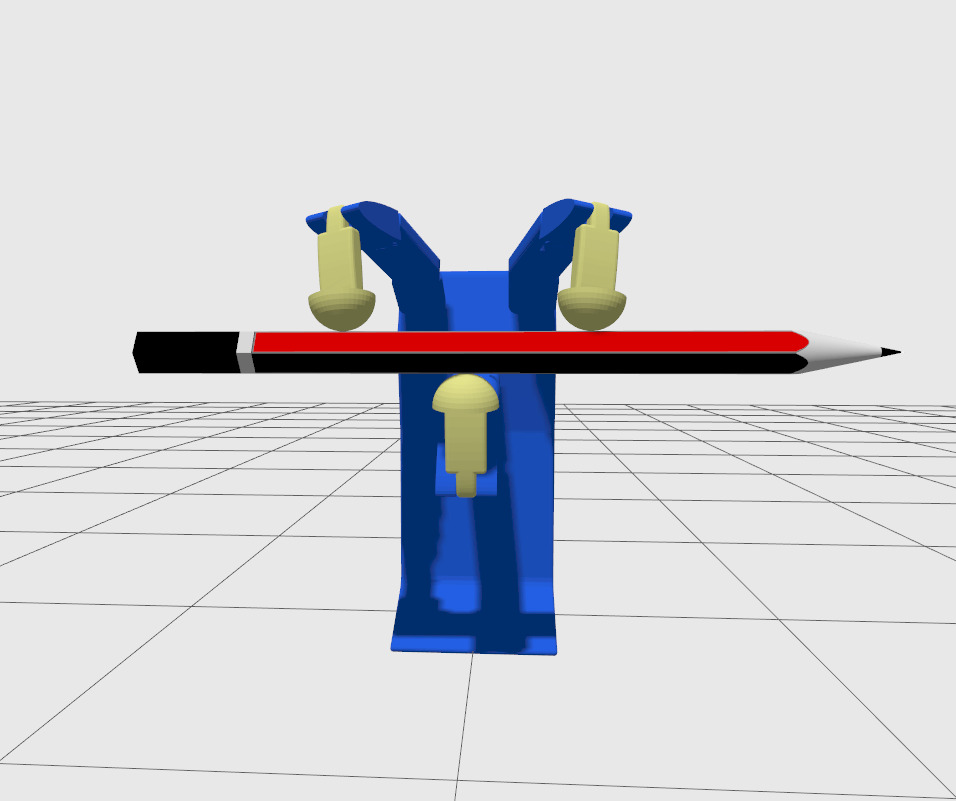
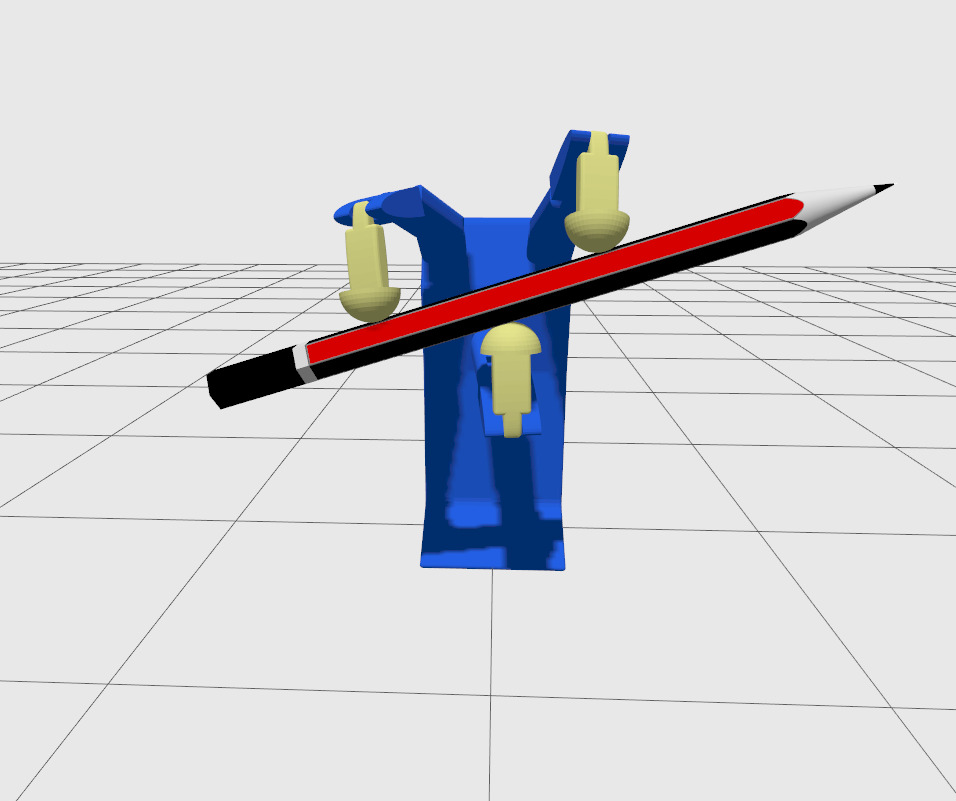
This project in particular excited me a lot because I had never worked with anything related to robotic hands, arms, or any of that sort, so learning about the basics and specially the math involved really opened my eyes about how it works and made me find out a new topic I’m fond of.